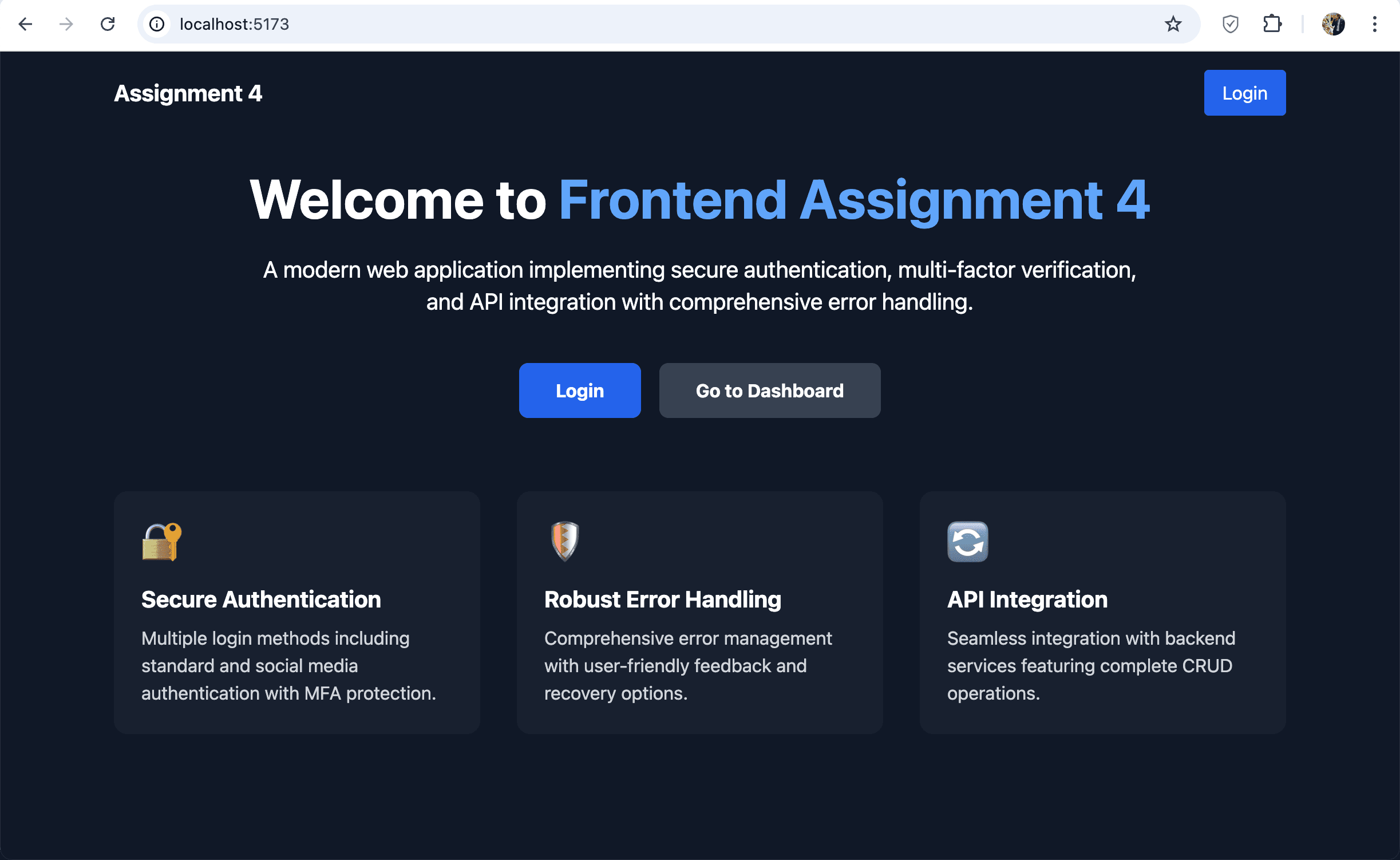
Project Overview
This project implements a modern frontend authentication system with comprehensive error handling and thorough testing coverage. The application features secure login/signup flows, form validation, protected routes, and integration with backend services.
Key Features
- User Authentication: Secure login, registration, and password recovery flows
- OAuth Integration: Google authentication for simplified login
- Form Validation: Client-side validation with meaningful error messages
- Protected Routes: Role-based access control for secure navigation
- Error Handling: Comprehensive error management with user-friendly messages
- State Management: Centralized application state using Redux Toolkit
- Multi-Factor Authentication: Enhanced security with MFA implementation
- Real-time Data Visualization: Dynamic statistics dashboard
- Testing: Extensive test coverage with Vitest and React Testing Library
- Responsive Design: Mobile-first approach with Tailwind CSS
Technical Challenges & Solutions
Challenge: Secure Authentication Flow
Implementing a secure authentication flow with proper token management, expiration handling, and refresh mechanisms was complex.
Solution: I designed a robust authentication service using HTTP-only cookies for token storage, implemented token refresh mechanisms, and built proper logout functionality that cleared all auth state.
Challenge: Comprehensive Error Handling
Error handling needed to be comprehensive yet user-friendly, covering network errors, validation errors, and authentication failures.
Solution: I implemented a centralized error handling system that categorized errors by type and displayed appropriate user-friendly messages without exposing sensitive technical details.
Challenge: Multi-Factor Authentication
Adding MFA while maintaining a smooth user experience was challenging.
Solution: I implemented a step-by-step verification process with clear instructions and fallback options for users. The system supports both app-based and SMS verification methods.
Technologies Used
- React with Vite
- Redux Toolkit
- Tailwind CSS
- Vitest & React Testing Library
- Google OAuth
- Axios for API requests
- React Router
- JWT Authentication
- Chart.js for data visualization
Testing Statistics
Code Highlights
// Authentication service with error handling
export const authService = {
  login: async (credentials) => {
    try {
      const response = await api.post('/auth/login', credentials);
      const { token, user } = response.data;

      // Store token in secure storage
      secureStorage.setItem('auth_token', token);

      return { user, error: null };
    } catch (error) {
      return {
        user: null,
        error: handleAuthError(error)
      };
    }
  },

  logout: async () => {
    try {
      await api.post('/auth/logout');
      secureStorage.removeItem('auth_token');
      return { error: null };
    } catch (error) {
      return { error: handleAuthError(error) };
    }
  },

  register: async (userData) => {
    try {
      const response = await api.post('/auth/register', userData);
      return { success: true, error: null };
    } catch (error) {
      return { success: false, error: handleAuthError(error) };
    }
  },

  forgotPassword: async (email) => {
    try {
      await api.post('/auth/forgot-password', { email });
      return { success: true, error: null };
    } catch (error) {
      return { success: false, error: handleAuthError(error) };
    }
  },

  resetPassword: async (token, newPassword) => {
    try {
      await api.post('/auth/reset-password', { token, newPassword });
      return { success: true, error: null };
    } catch (error) {
      return { success: false, error: handleAuthError(error) };
    }
  },

  getCurrentUser: async () => {
    try {
      const response = await api.get('/auth/me');
      return { user: response.data, error: null };
    } catch (error) {
      return { user: null, error: handleAuthError(error) };
    }
  }
};// Custom form validation hook
export const useFormValidation = (initialState, validationRules) => {
const [values, setValues] = useState(initialState);
const [errors, setErrors] = useState({});
const [isSubmitting, setIsSubmitting] = useState(false);
useEffect(() => {
if (isSubmitting) {
const noErrors = Object.keys(errors).length === 0;
if (noErrors) {
// Form is valid, can submit
setIsSubmitting(false);
} else {
setIsSubmitting(false);
}
}
}, [errors, isSubmitting]);
const validate = () => {
const validationErrors = {};
Object.keys(validationRules).forEach(key => {
const value = values[key];
const rules = validationRules[key];
if (rules.required && !value) {
validationErrors[key] = 'This field is required';
} else if (rules.pattern && !rules.pattern.test(value)) {
validationErrors[key] = rules.message || 'Invalid format';
}
// Additional validation checks...
});
setErrors(validationErrors);
return Object.keys(validationErrors).length === 0;
};
const handleChange = (e) => {
const { name, value } = e.target;
setValues({
...values,
[name]: value
});
};
const handleSubmit = (callback) => (e) => {
e.preventDefault();
setErrors({});
setIsSubmitting(true);
if (validate()) {
callback(values);
}
};
return {
values,
errors,
handleChange,
handleSubmit,
setValues
};
};Screenshots
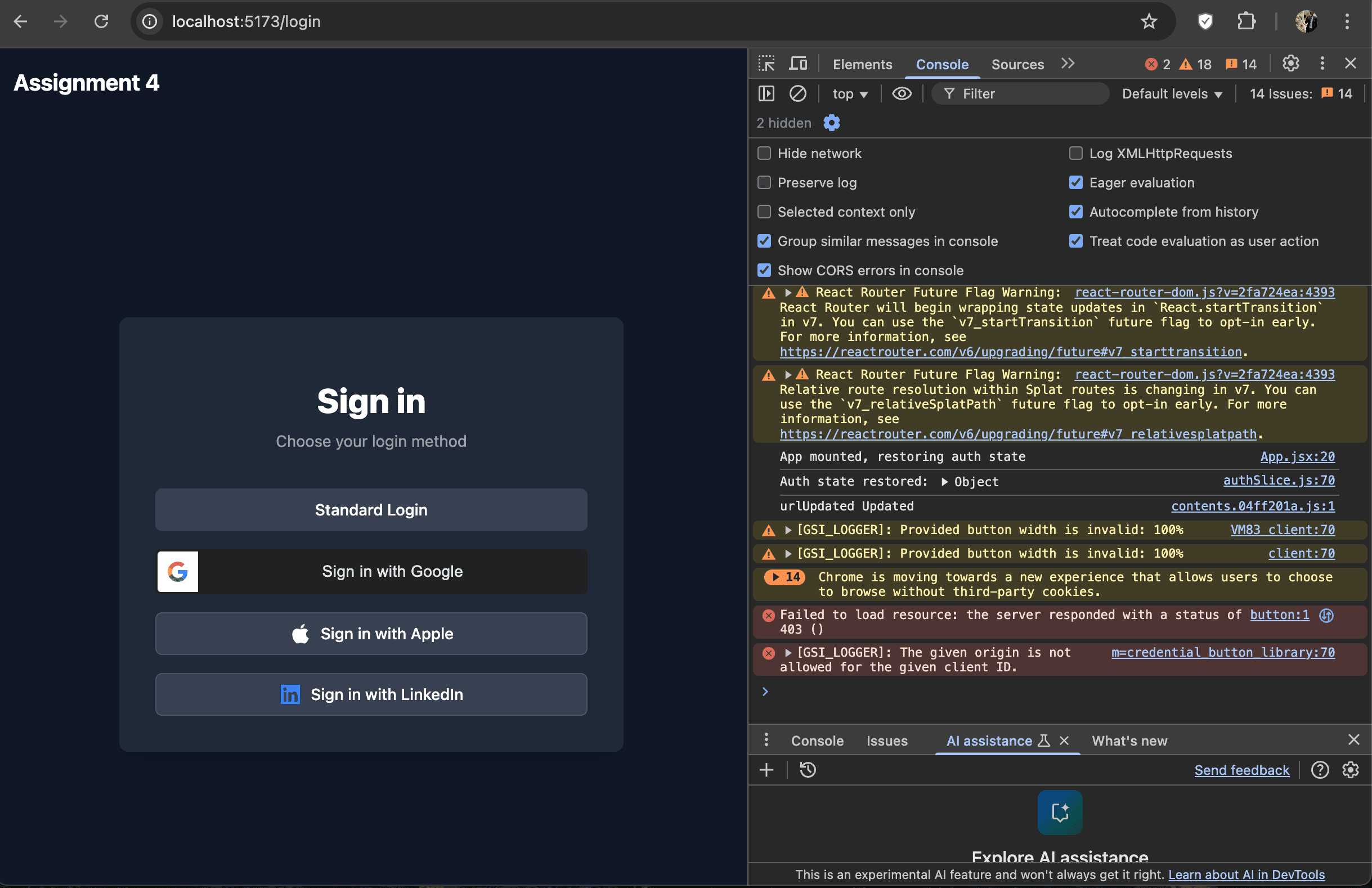
Login Page
Secure authentication interface with form validation
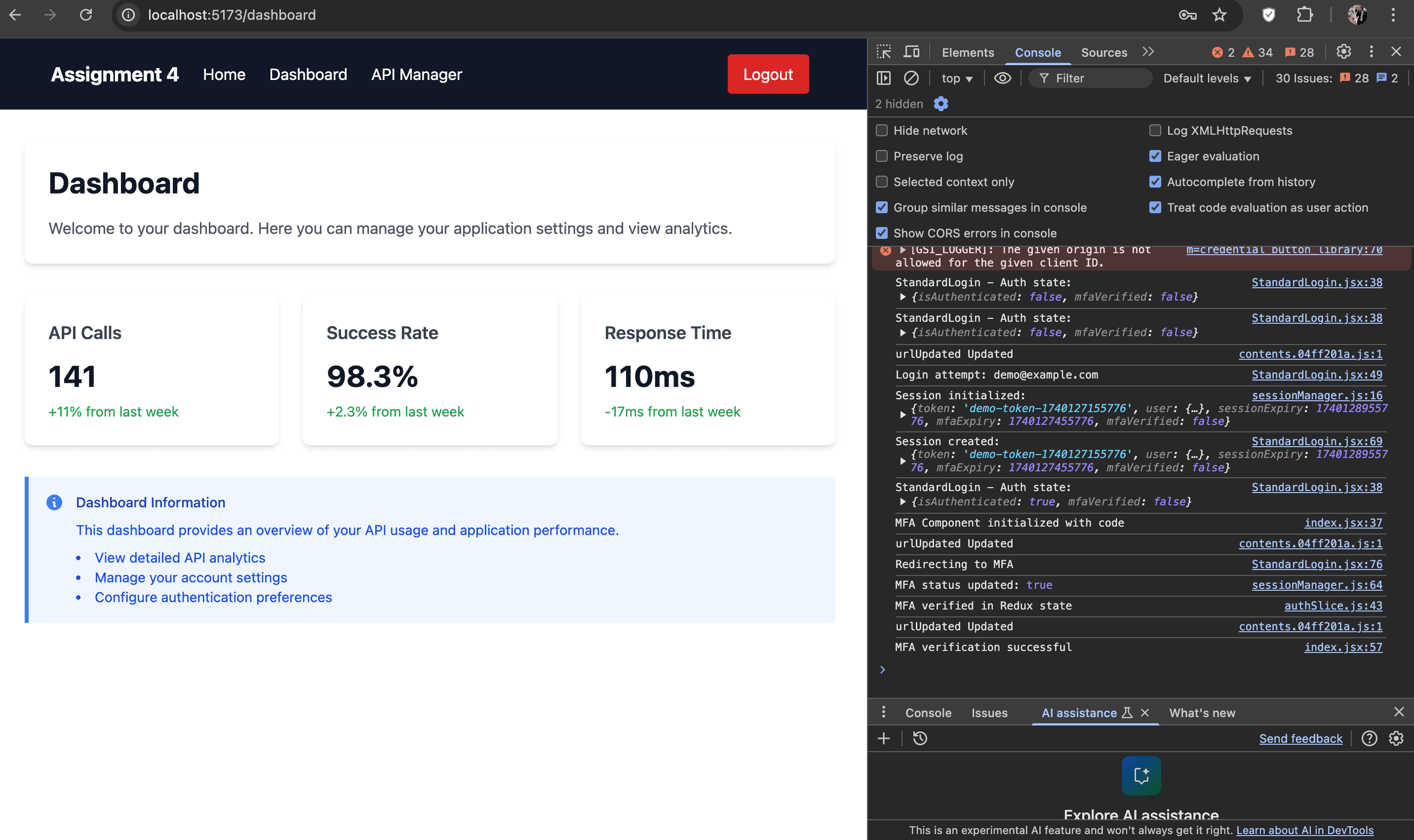
Dashboard
Protected dashboard with user-specific content
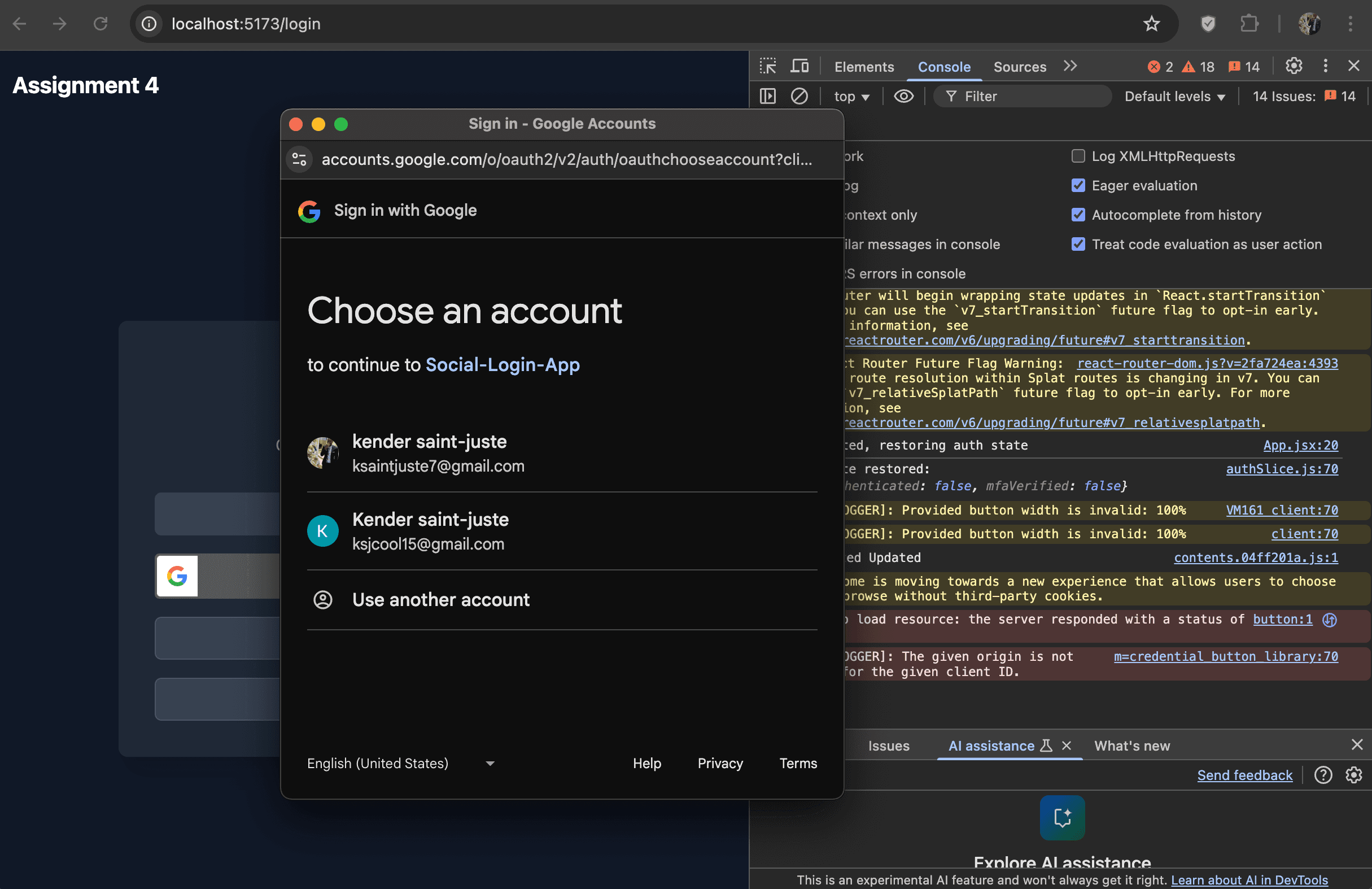
Google OAuth Integration
Social login integration for seamless authentication
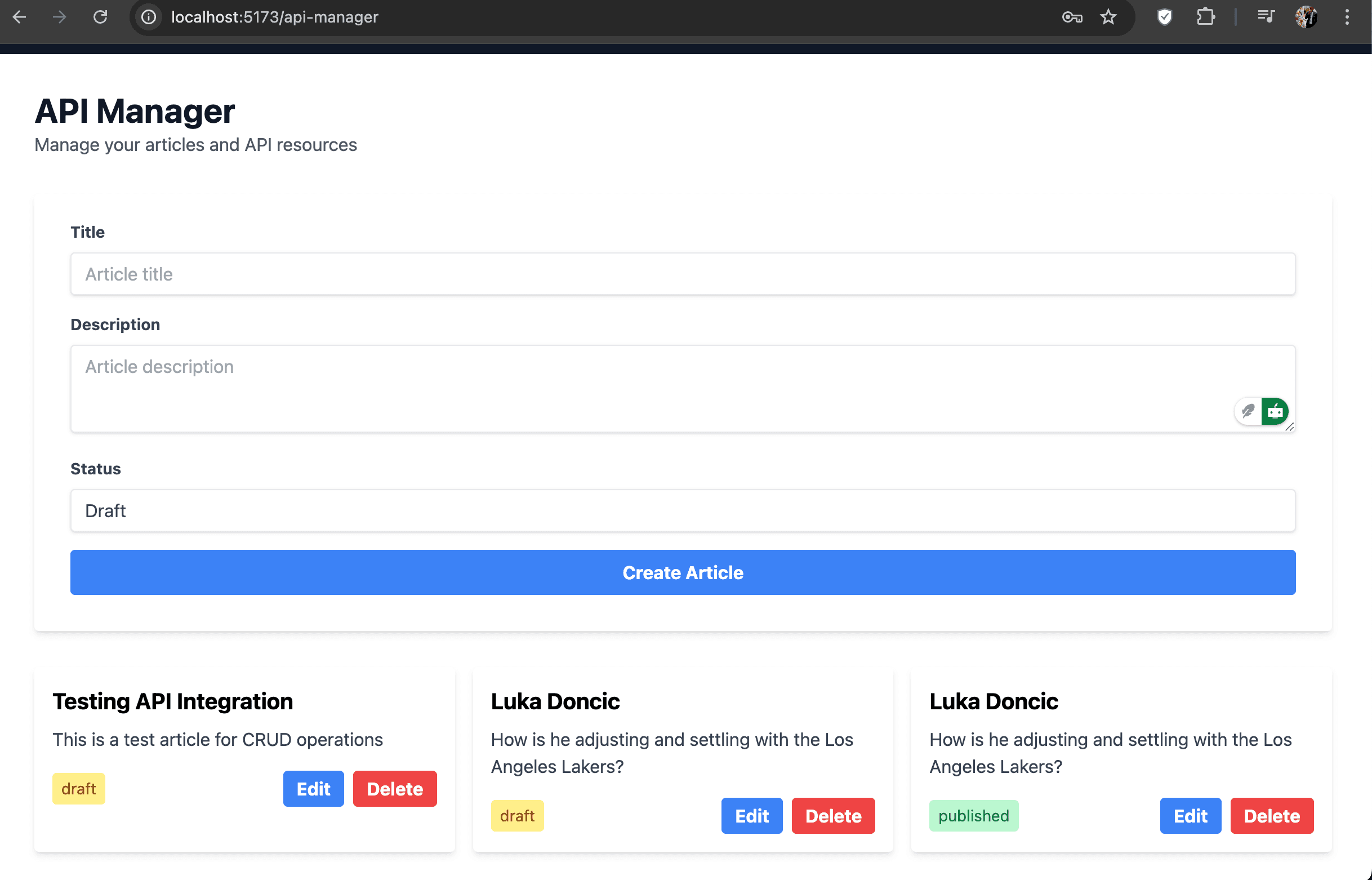
Success Messages
User-friendly feedback for successful operations
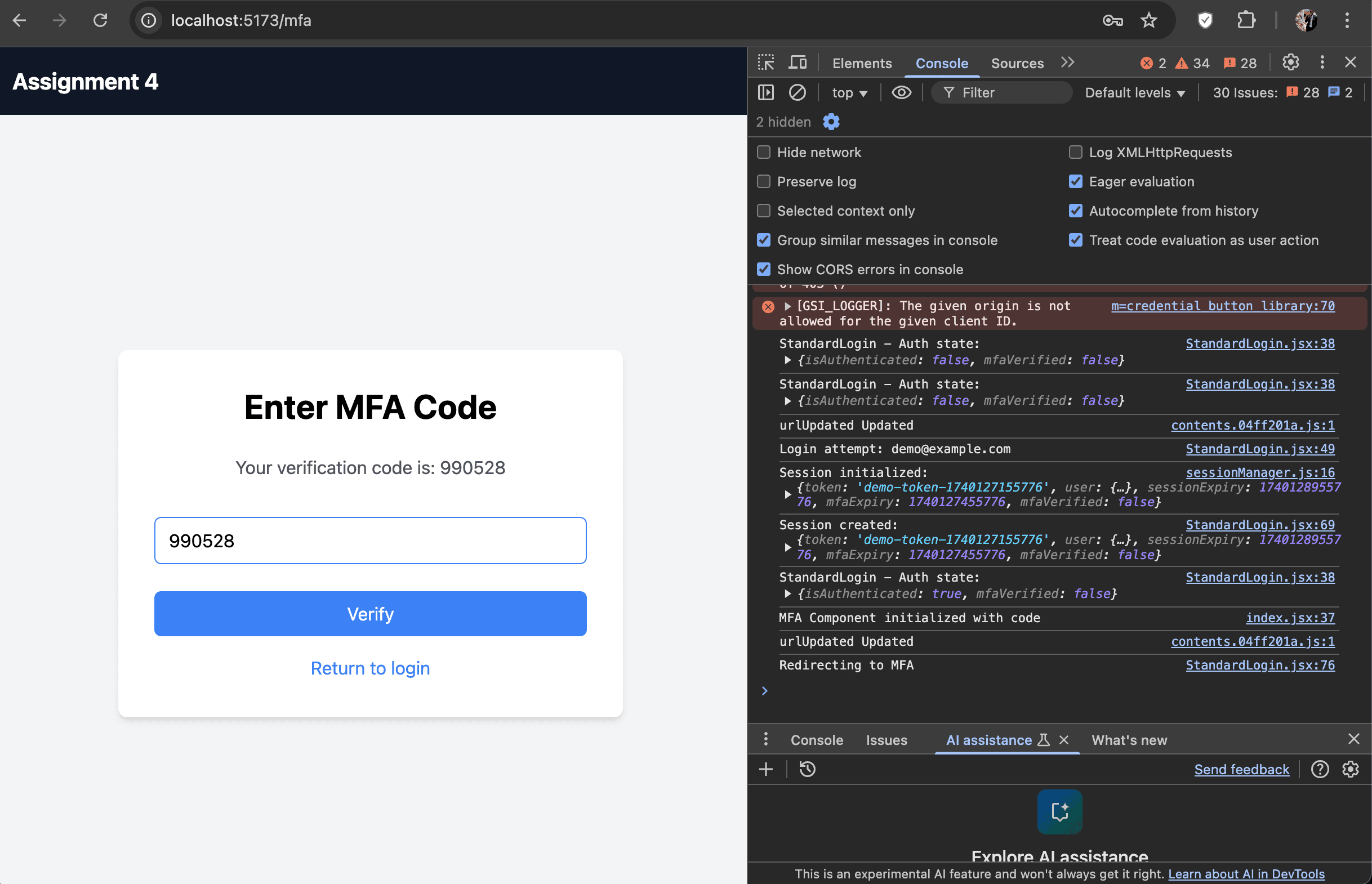
Multi-Factor Authentication
Enhanced security with multi-factor authentication
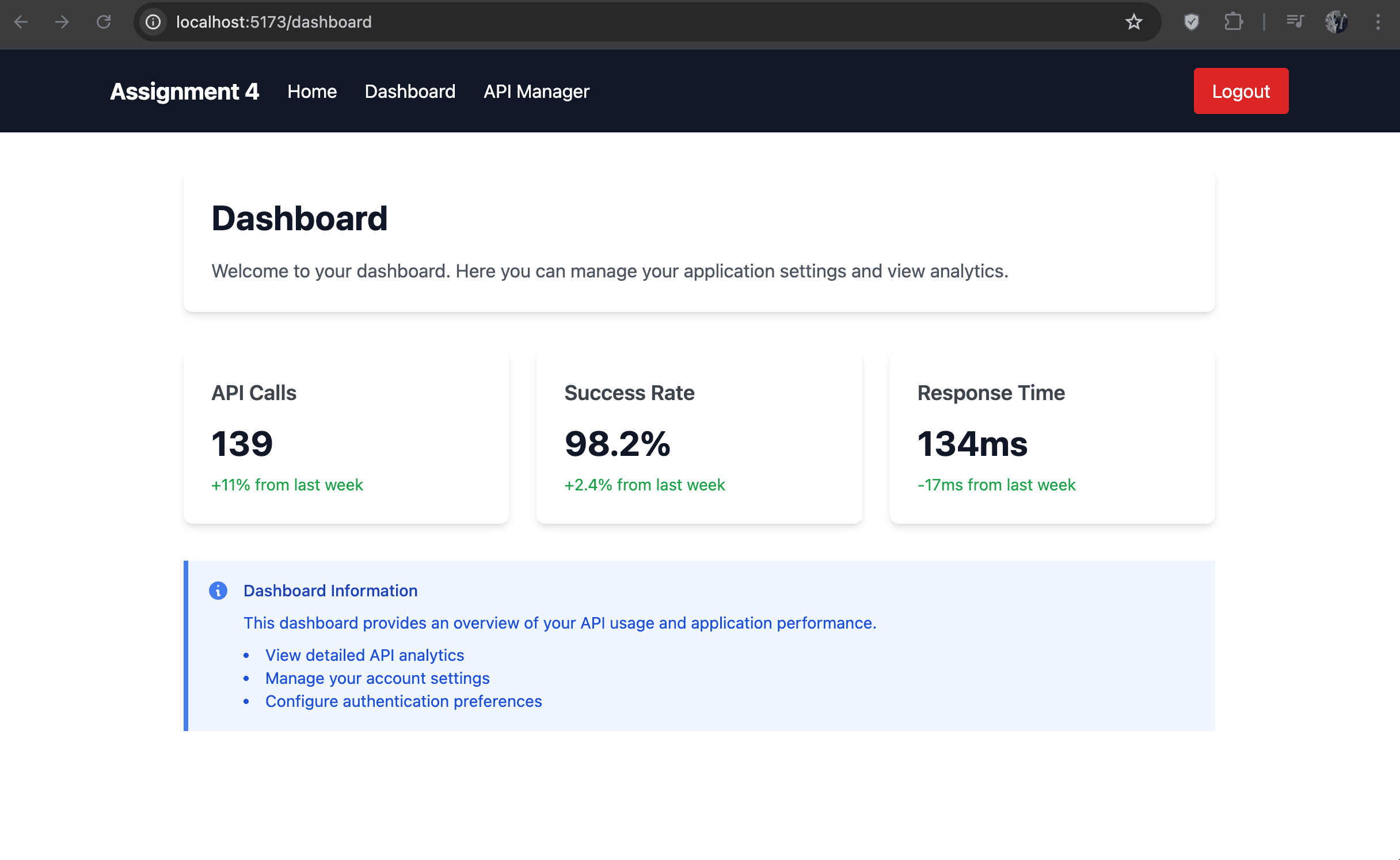
Real-time Statistics
Live data visualization for dynamic user metrics
Lessons Learned
This project provided valuable insights and learning opportunities:
- Implementing proper authentication flows with security best practices
- Building robust state management with Redux Toolkit
- Writing effective tests to ensure code reliability
- Creating accessible form components with proper validation
- Handling edge cases and error states gracefully
- Balancing user experience with security requirements
- Implementing complex features like MFA and real-time data visualization
- Optimizing front-end performance for a responsive user experience
Relevance to Internship Goals
This project demonstrates skills that are directly applicable to frontend and full-stack development internships:
- Building secure authentication systems - essential for enterprise applications
- Implementing robust error handling and form validation - critical for user experience
- Writing maintainable and testable code - valued in professional development environments
- Using modern frontend technologies (React, Redux, Tailwind) - sought after in internship positions
- Working with design patterns and best practices that scale to larger applications
- Implementing advanced security features like MFA - demonstrates security awareness
- Creating data visualizations - shows ability to present complex information effectively